
How to organize your freezer
Last checked
Divide the freezer into zones by kind of food, put a label with the date in on everything, and decide the night before what you will thaw. Those three habits stop the freezer turning into a place where food goes to be forgotten.
A freezer is the one corner of the kitchen where it is easy to lose track. You cannot see through a frozen bag, so you stop knowing what is there. A bigger freezer or a fancier system will not fix it. A few small habits that make the contents visible will.
Give each kind of food a zone
A zone is a spot you can find without digging. Choose zones that match how you cook, and keep them to a handful.
- Meat and fish, together on one shelf or in one bin.
- Vegetables and fruit, in another.
- Cooked meals and leftovers, where you can see them first, because they are the easiest to forget.
- Bread and baking, and anything small that gets lost, in a bin of its own.
Bins do more than shelves. A bin is a zone you can lift out, look through and put back. If your freezer is a chest, stack bins so that nothing sits under three others.
Keep the zones the same shape from week to week. The point is that you stop searching. When you know chicken is in the left bin, you reach for it without looking.
Label everything with the date it went in
Frozen food looks the same on day one and day ninety. A label with the date in is the only way to tell.
Write three things on each package: what it is, the date it went in, and, for a cooked meal, how many portions. A strip of masking tape and a marker lives happily on top of the freezer.
Put the label where you can see it without moving the package, on the top or the flat edge, not the underside. Lay bags flat to freeze so they stack like files and the labels face up.
When you add something new, put it behind the older food. Oldest in front is the whole rule.
Temperature matters too. The FDA says the freezer should be at 0 °F, and recommends an inexpensive appliance thermometer to check it. A thermometer tells you more than the dial does.
Source: FDA, Refrigerator Thermometers: Cold Facts about Food Safety, fetched 2026-10-26.
When in doubt, throw it out. Check the label and the date.
Keep a list, not a guess
A freezer you can see into does not need a list. A freezer you cannot, does. A sheet taped to the door, with one row per package, takes ten seconds to update and saves you from buying a second bag of something you already have.
Each row needs the food, the date in and the zone. You can add a "keeps until" column once you have checked the food or its label, and leave it blank until then. The printable at the end of this guide has all four columns.
Cross a row out when the food comes out. At the end of the month, read the whole sheet. Whatever has been there longest goes into this week's dinners first.
Build a thaw-ahead habit
Most frozen food needs time to thaw, and the night you remember is the night you are already hungry. The habit that fixes this is small: when you pick tomorrow's dinner, check whether anything in it is frozen. If it is, move it to the fridge tonight.
Make it part of something you already do. Choosing tomorrow's dinner before bed is a good moment. So is writing the shopping list.
Big things need more notice, so check the label and plan those further ahead.
For how long and how to thaw a particular food, follow its label. If you are not sure about something, use the line above: when in doubt, throw it out.
How Pantry Assistant helps
If you use Pantry Assistant, the freezer is one of your zones, alongside Fridge and Pantry. You can add your own, like a garage freezer, in Settings under Storage.
The thaw-ahead habit is built into the daily Check-in. When a planned dinner uses food that is only in the freezer, the Check-in shows Thaw for dinner: "Move the chicken to the fridge for tomorrow". It comes a day ahead, or earlier for something big like a whole turkey. Tap Moved it to move the food to the fridge in the app, or Not needed to change nothing.
The app can also help you freeze food before it goes off. In the Check-in, food that is about to pass its date can get Freeze it. On the Pantry, Use first lists the foods closest to their date, and offers Freeze on a card when the food is not already in the freezer and keeps there.
When you move food to the freezer, the app gives it a new, longer date. If you had typed the date yourself, your date stays and the app suggests the longer one. Dates are estimates, marked "about", and they are only a guide. You can change any date by tapping it.
A short routine
Once a month, take ten minutes.
- Take everything out, one zone at a time.
- Read each label. Anything without a date gets one now, or goes in the bin if you cannot say what it is.
- Put the oldest food in front.
- Write the plan for the oldest few things into the next week's dinners.
- Update your sheet, or your app.
The freezer stays organized when using it is easier than ignoring it.
Download the freezer inventory sheet
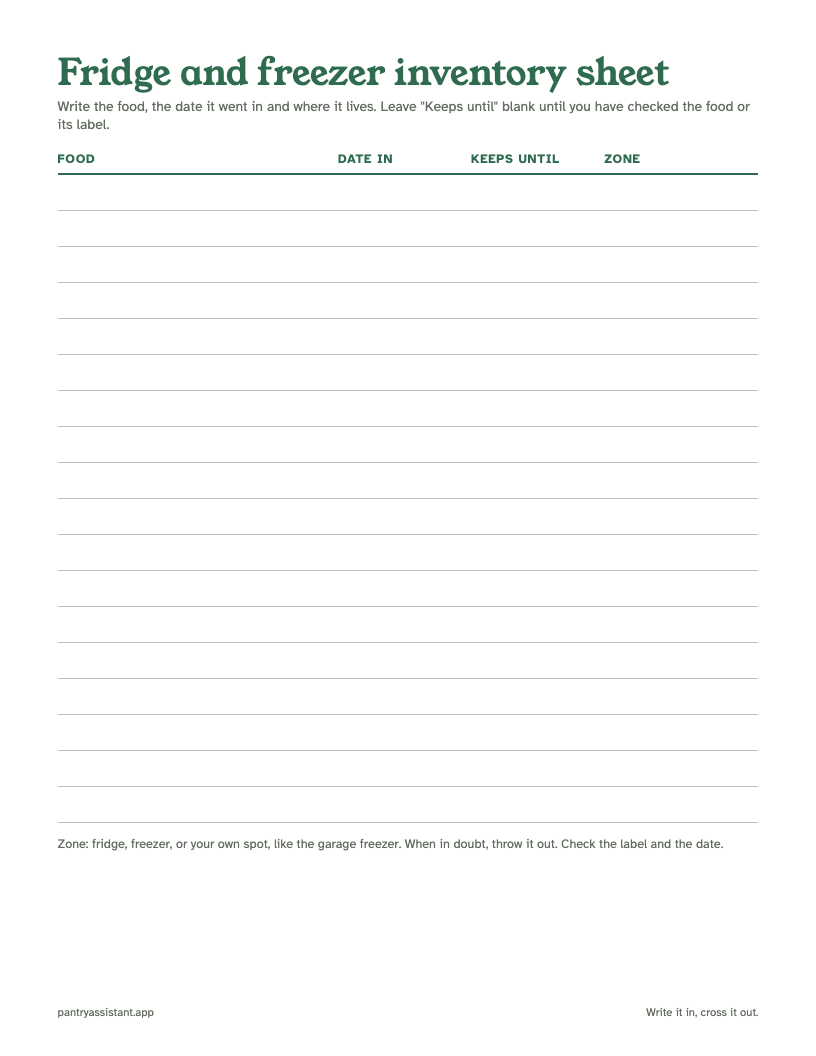
A one-page table for the door of your fridge or freezer: eighteen rows, each with food, date in, keeps until and zone.
- Fill in the food, the date in and where it lives.
- Leave "Keeps until" blank until you have checked the food or its label.
- Print it, tape it to the door and cross rows out as food comes out.
Download the freezer inventory sheet (PDF)
Is it free? Yes. What format? A PDF that prints on one page.
For the Check-in and the dates, see the Help article below.